


Description
Download VivaVideo APK – video editor, AI video editor, mobile video editor, free video editor, video editing app, AI-powered video editing
Overview
VivaVideo is a free multimedia mobile application developed by QuVideo Inc., designed as an AI-powered video editing tool for users of all skill levels. The software serves as a comprehensive solution for creating polished video content on Android devices, targeting both beginners seeking simplicity and more experienced users requiring advanced features. It addresses common challenges in mobile video editing, such as complex workflows, limited editing tools, and the need for professional-grade results without steep learning curves. The app is particularly useful for content creators, social media users, and casual videographers who want to produce engaging videos quickly and efficiently. Real-world use cases include editing short-form videos for platforms like Instagram, TikTok, and YouTube Shorts, creating photo slideshows, crafting social media montages, and producing promotional clips for personal or small business use. The developer did not provide additional details about the company’s background beyond its name.
Key Features & Capabilities
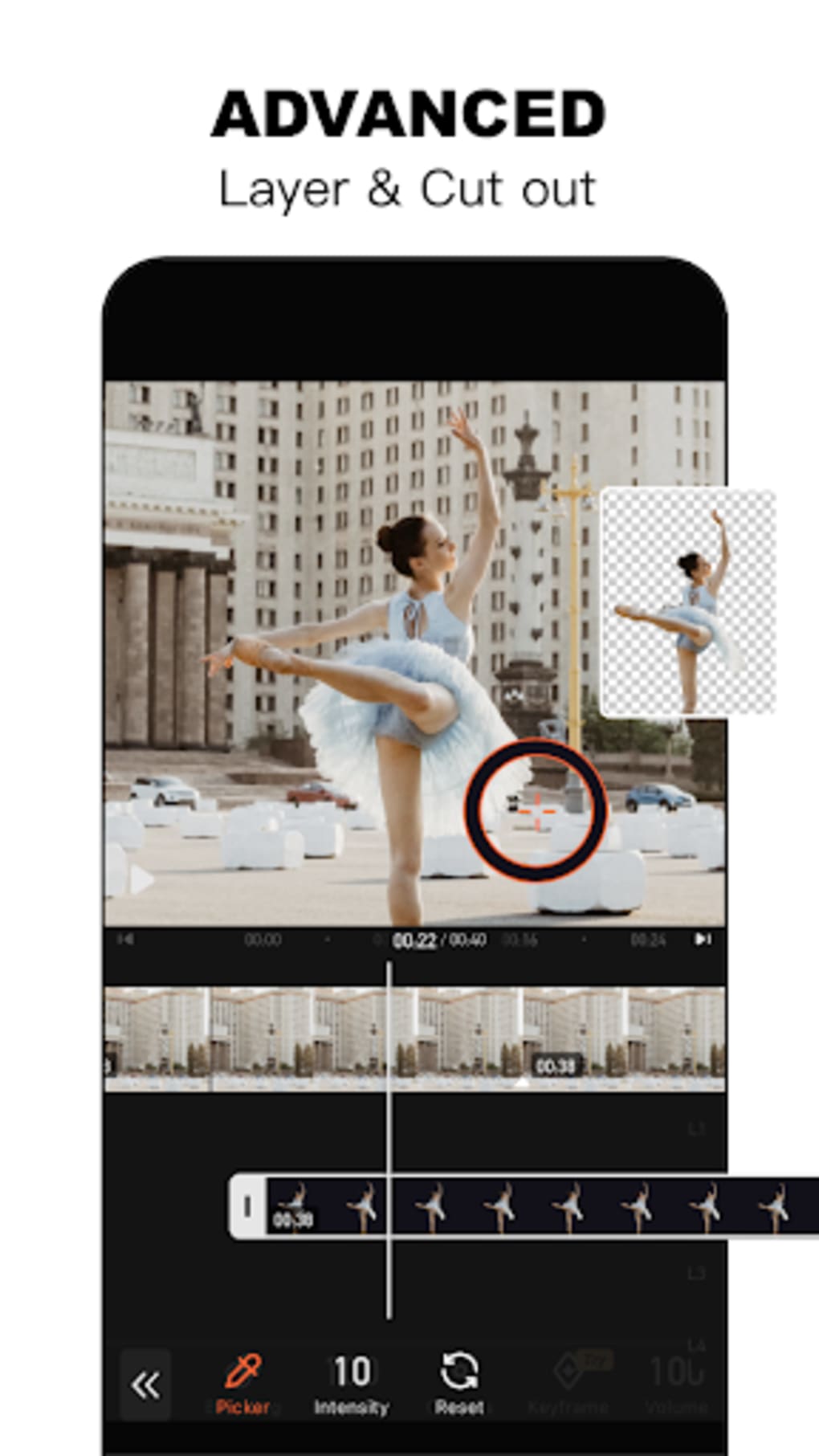
- AI-Powered Editing Tools: Utilizes artificial intelligence to automate tasks such as background removal, auto-caption generation, and intelligent video enhancement, reducing manual effort and improving output quality.
- Intuitive Interface: Features a modern, user-friendly layout that simplifies navigation and allows quick access to core editing functions, ideal for users with minimal editing experience.
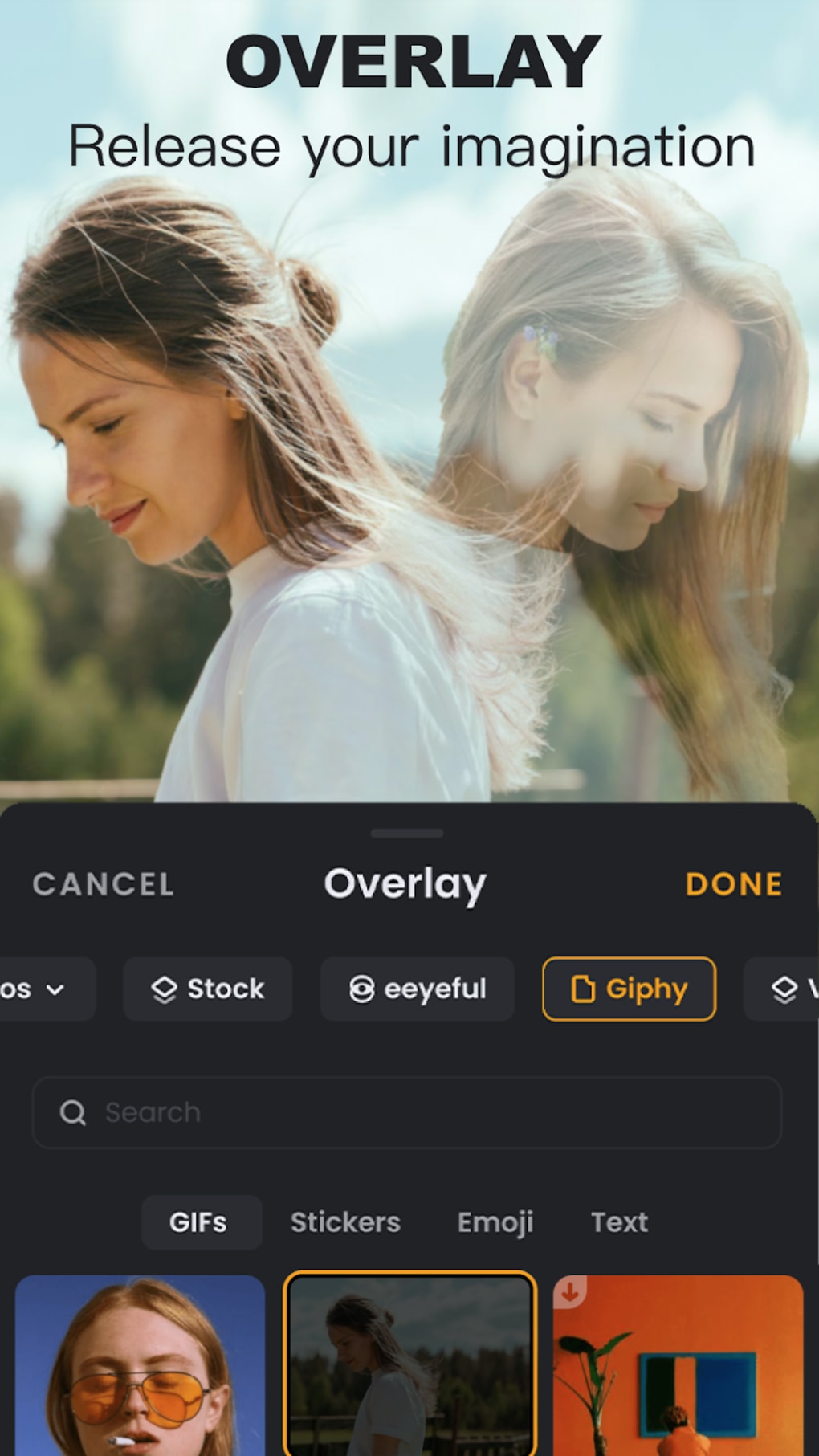
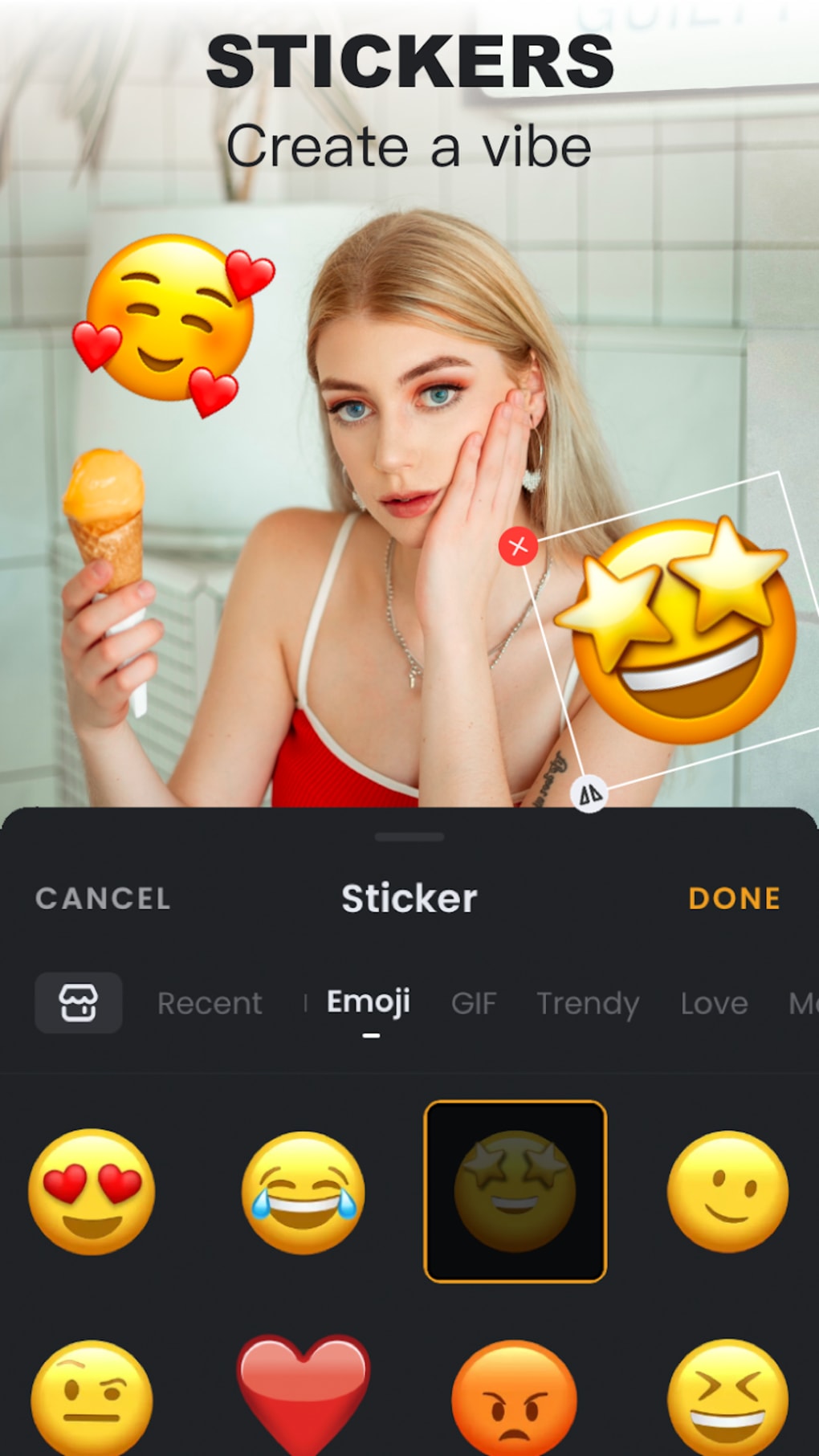
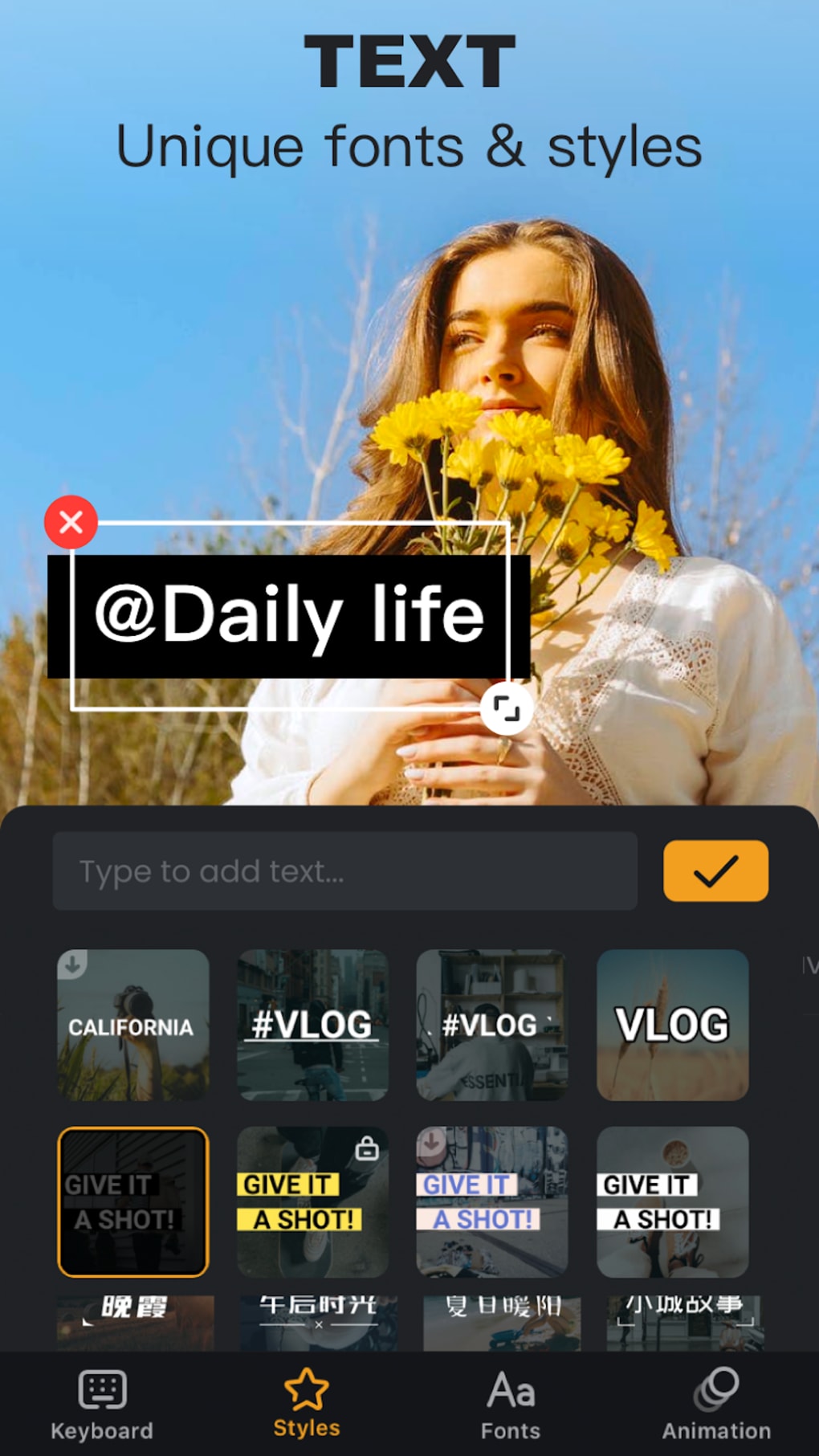
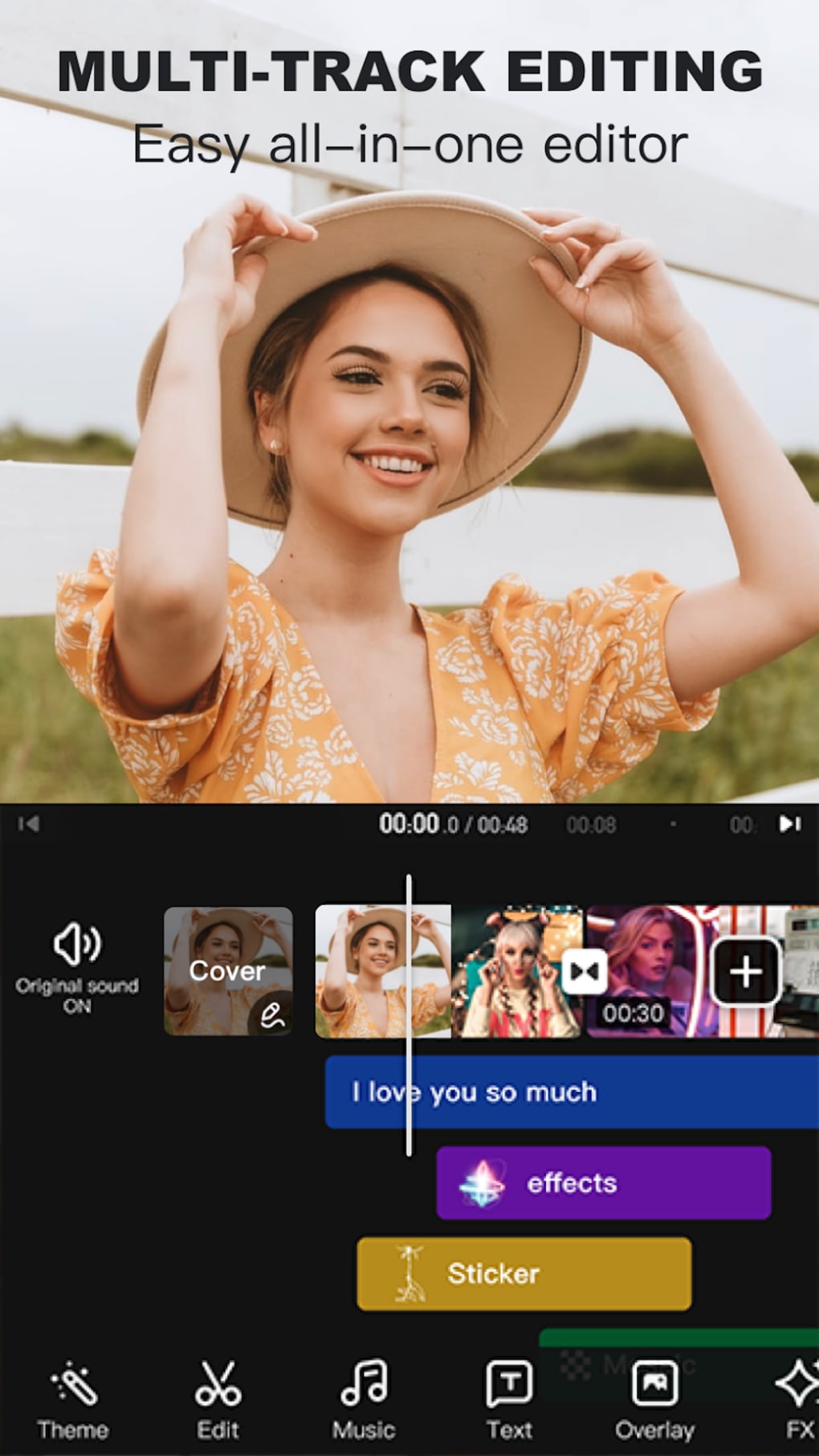
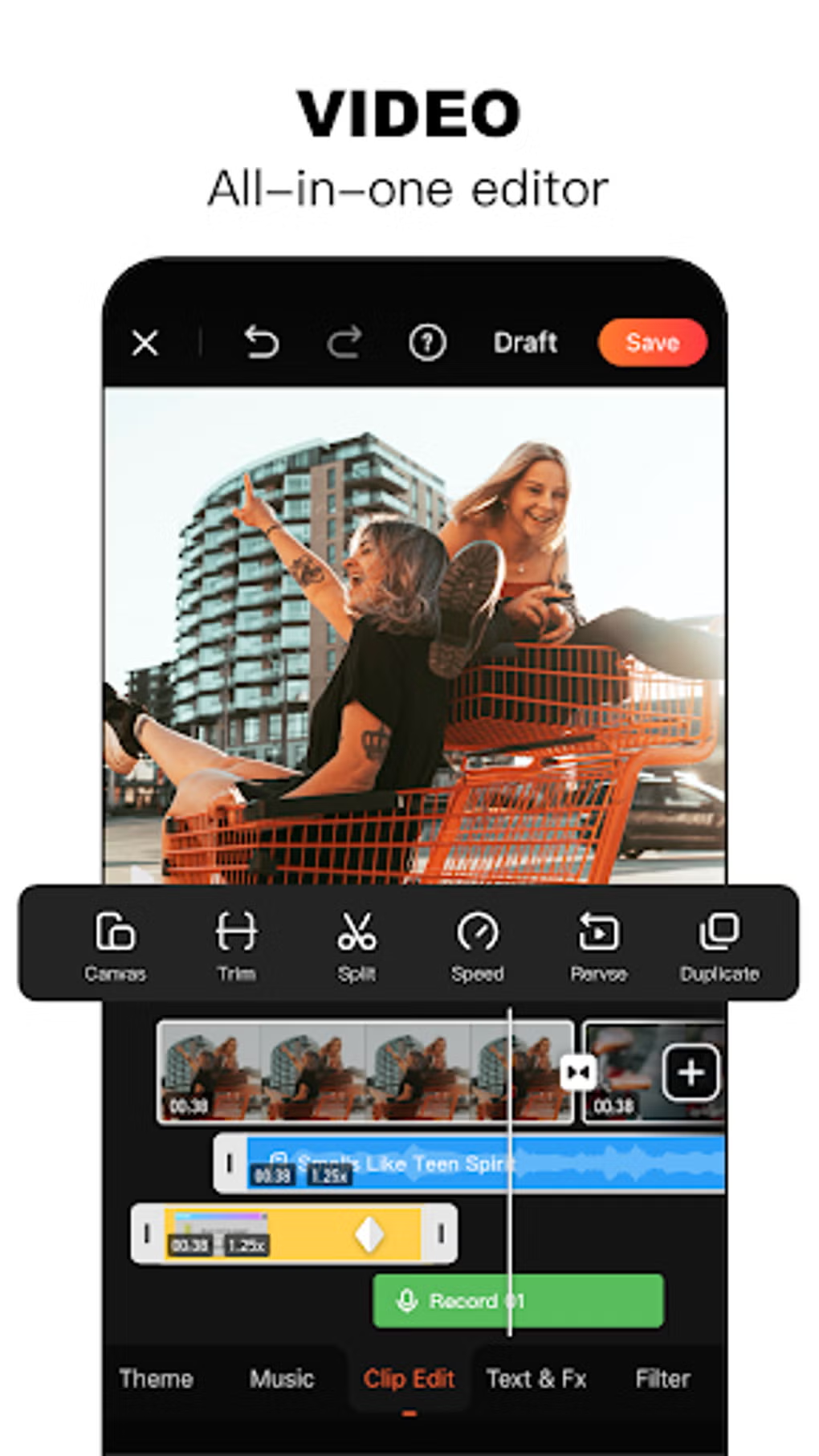
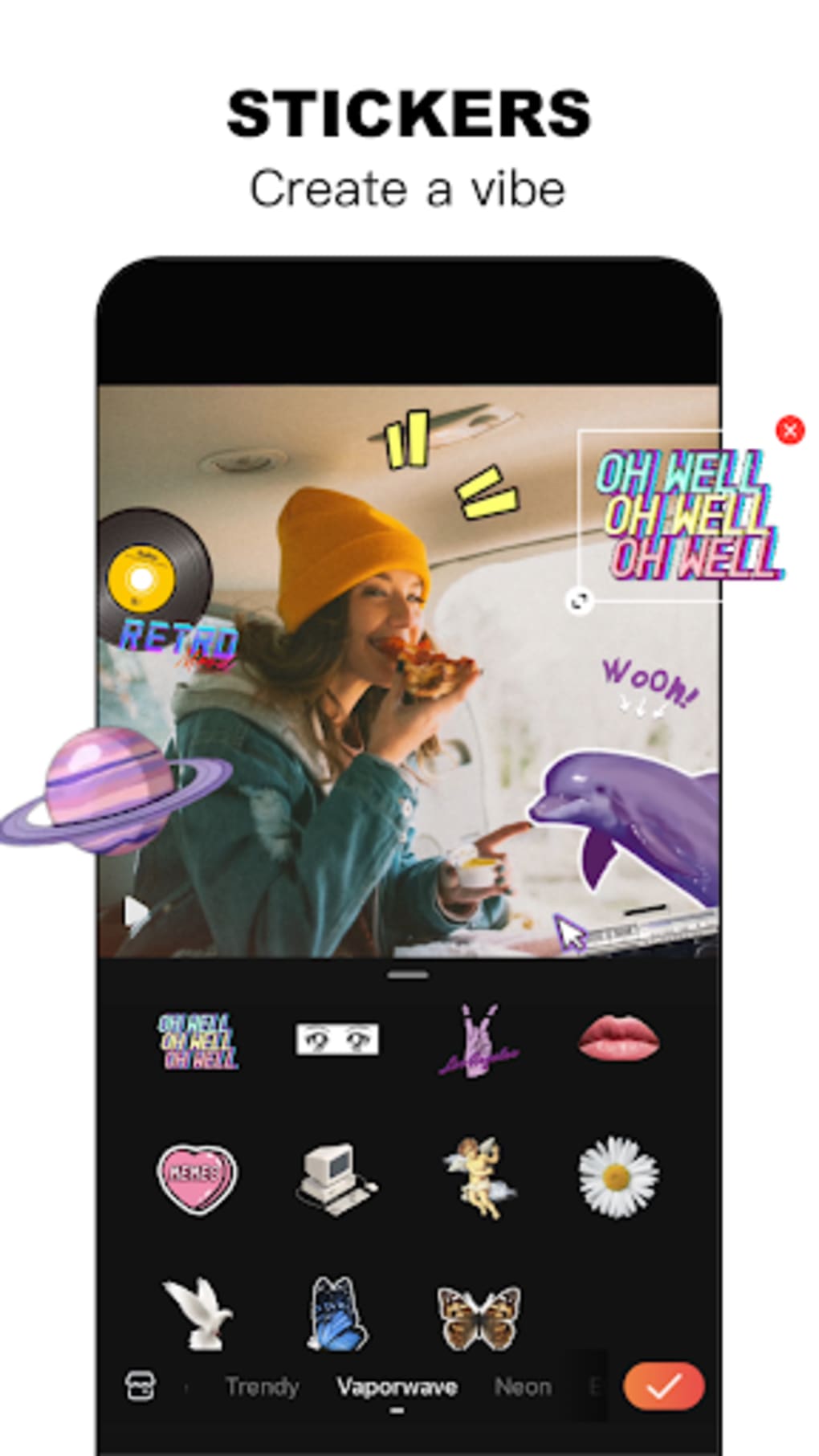
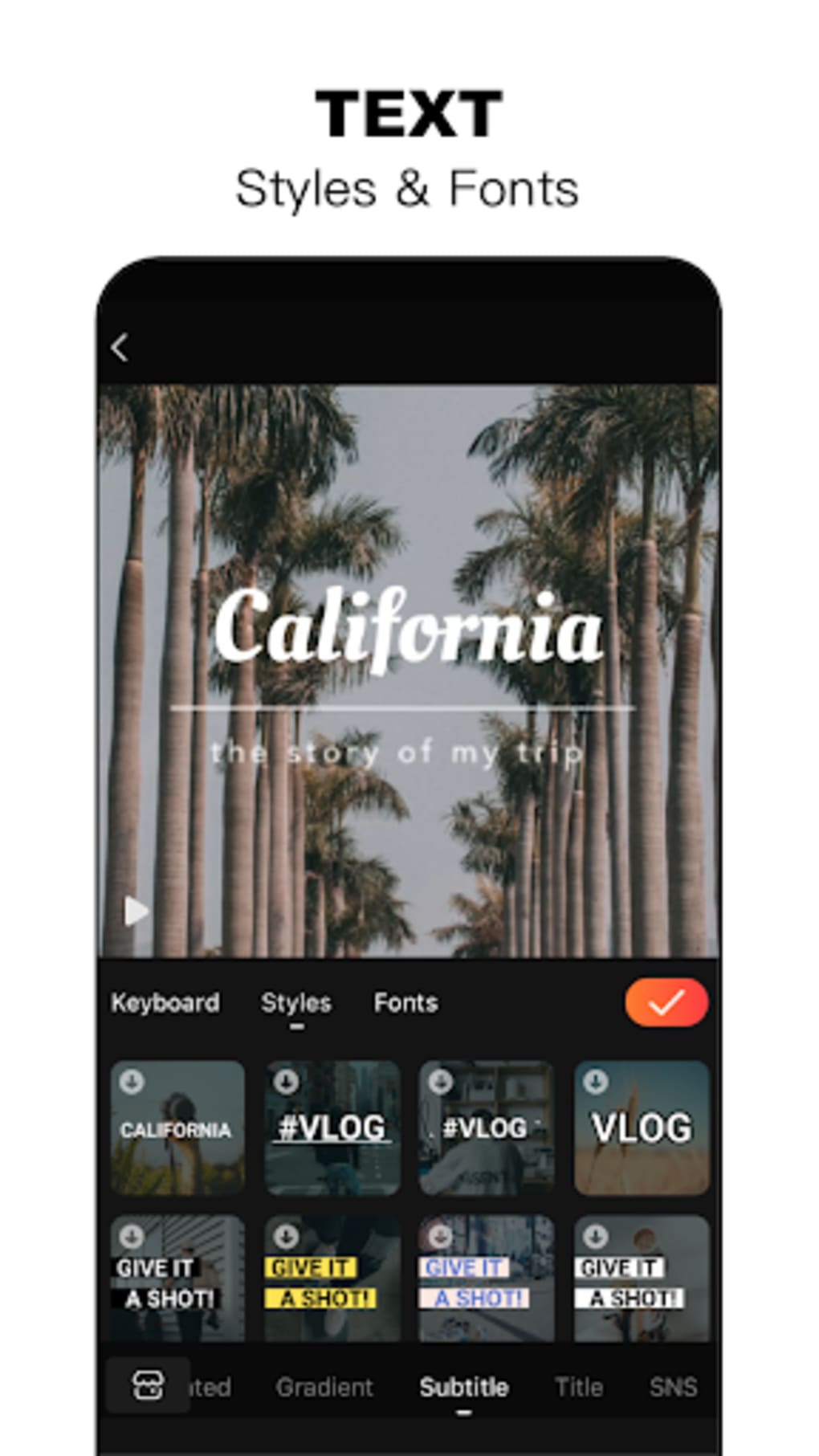
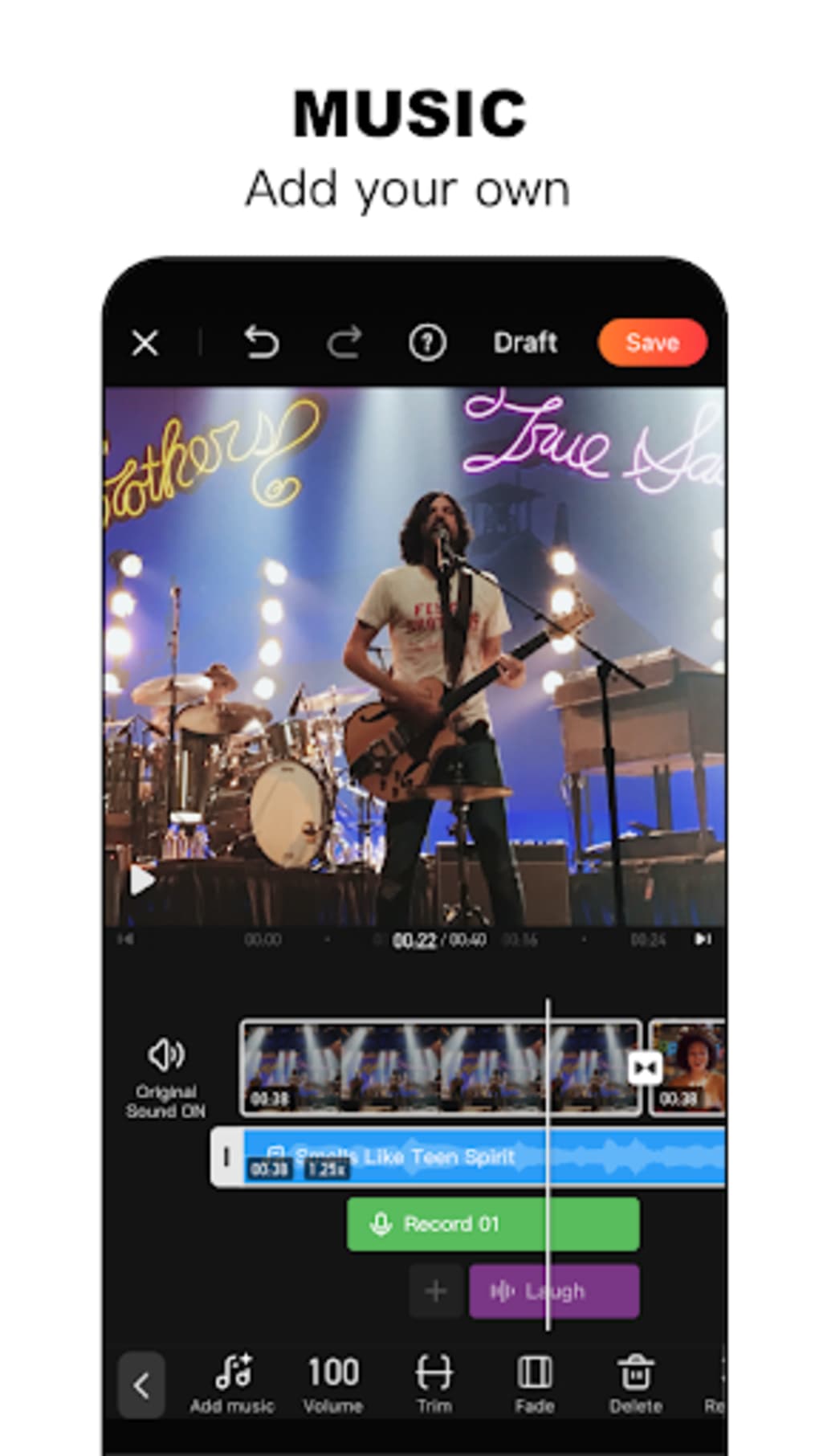
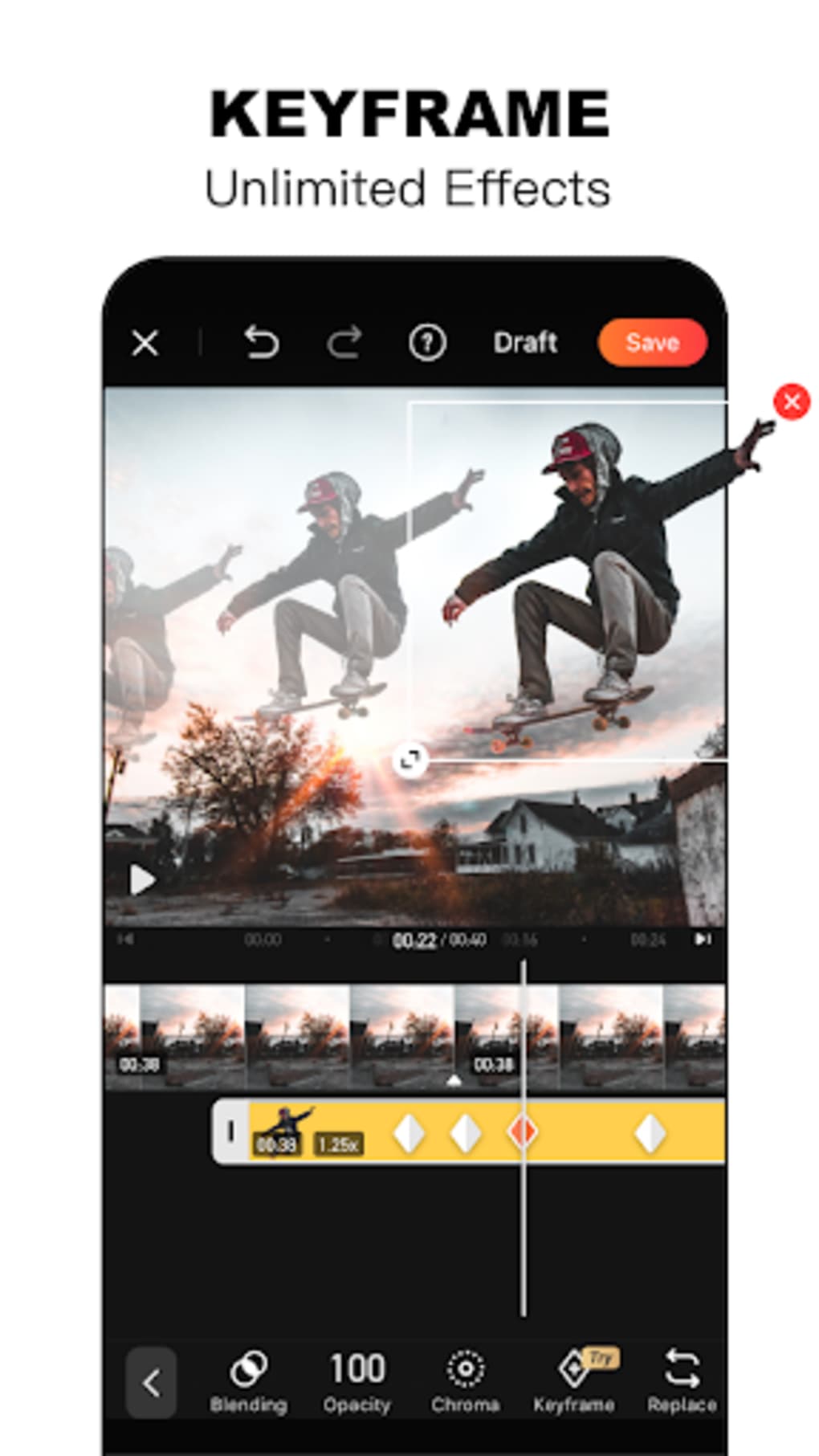
- Comprehensive Editing Suite: Offers tools for trimming clips, adjusting frame size and position, applying filters, adding text, stickers, visual effects, and custom music tracks.
- Picture-in-Picture Support: Enables users to layer two separate videos simultaneously, useful for creating dual-screen effects or commentary-style content.
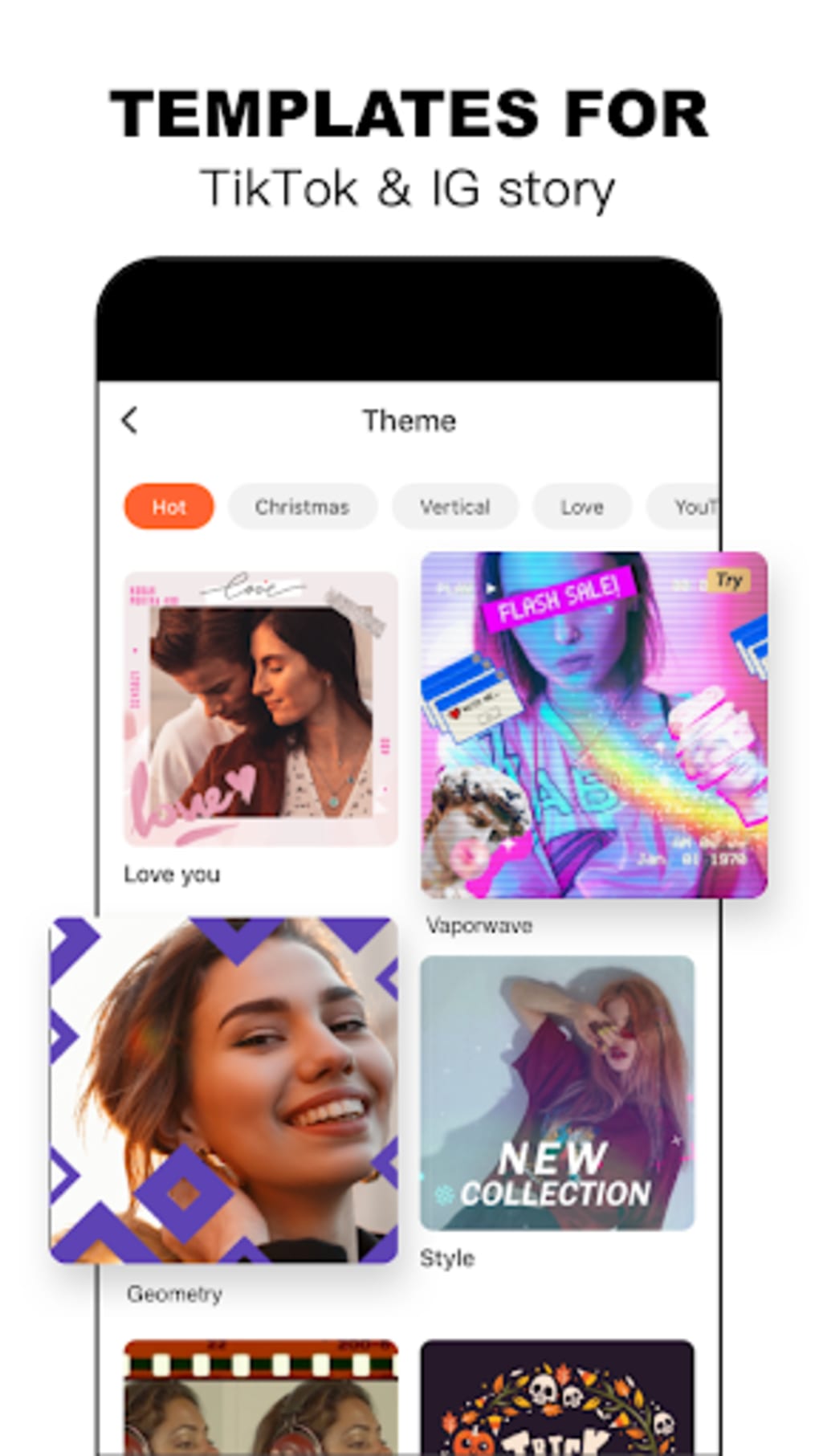
- Photo Slideshow Creator: Automatically compiles selected images into a video with transitions, customizable captions, and decorative elements.
- Auto-Captioning: Generates subtitles automatically, improving accessibility and engagement for video content.
- Intro/Outro Templates: Provides pre-designed opening and closing segments to enhance the professional look of videos.
- Direct Sharing Options: Allows seamless export and sharing to major social media platforms including Facebook, WhatsApp, and others.
These capabilities streamline the video creation process, enabling users to transform raw footage or static images into polished, shareable content with minimal effort. The AI integration enhances efficiency, especially in tasks like background removal and captioning, where precision and speed are critical.
User Interface, Workflow & Performance
The user interface of VivaVideo is structured around a clean, modern design with clearly labeled icons and intuitive drag-and-drop functionality. Navigation is streamlined through a bottom menu bar, providing quick access to camera, library, editing tools, and export options. The workflow follows a logical sequence: import footage, trim and adjust clips, apply effects and media, then export or share. Users can seamlessly transition between different editing stages without losing progress. The app’s performance is consistent with typical Android applications of its category, though exact performance details were not specified. The developer did not provide information on CPU or RAM usage, nor did they list any known stability issues. General software behavior patterns suggest smooth operation on mid-to-high-end Android devices, but performance may vary based on device specifications and background processes.
Compatibility & System Requirements
VivaVideo is designed for Android operating systems and is available in version 11.4.2. The application has a file size of 124 MB, which is relatively compact for a multimedia editing tool. The developer did not specify exact system requirements, including minimum RAM, processor type, or Android version compatibility beyond the platform. Compatibility information was partially provided, and users should verify device compatibility through official app stores. The app is intended for mobile use and is not available for desktop platforms. The installation size is sufficient for standard Android devices, but users with limited storage may need to manage space accordingly.
Pros and Cons
Pros
- Free to download and use with no upfront cost
- AI-powered features enhance editing speed and quality
- Intuitive interface suitable for beginners and casual users
- Supports both video and photo-based content creation
- Offers a wide range of editing tools and templates
- Direct sharing to major social media platforms
- Includes auto-captioning and background removal tools
Cons
- Free version applies watermarks to exported videos
- Video export limit of five minutes in the free tier
- Picture-in-picture feature requires separate filming of clips
- Limited system requirement details provided
- Not available on desktop or other operating systems
FAQ Section
Is VivaVideo available for iOS devices?
Based on the provided information, VivaVideo is only available for Android. The developer did not indicate support for iOS or other platforms.
Is the app safe to download and use?
VivaVideo is developed by QuVideo Inc. and distributed through official Android app stores. While no security vulnerabilities were reported in the provided data, users should always download from trusted sources to ensure safety.
Are updates available for VivaVideo?
Yes, the software has been updated to version 11.4.2, indicating active development and regular updates from the developer.
Does VivaVideo require an internet connection?
The app can function offline for basic editing tasks. However, certain AI features such as auto-captioning and background removal may require an internet connection for cloud-based processing.
Can I use VivaVideo without a subscription?
Yes, VivaVideo is free to download and use. However, the free version includes limitations such as watermarks and a five-minute video export cap.
Final Thoughts
VivaVideo stands out as a capable and accessible mobile video editor, combining AI-driven automation with a feature-rich toolkit suitable for a wide range of users. Its intuitive design lowers the barrier to entry for beginners, while its advanced tools offer enough depth to satisfy more experienced creators. Despite the limitations of the free version—such as watermarks and export time restrictions—the app delivers strong value for casual and semi-professional users. The integration of AI enhances both speed and quality, making it a compelling choice among mobile editing tools. For those seeking a free, feature-packed video editor on Android, VivaVideo offers a solid solution. Download VivaVideo now.
Guides & Tutorials for VivaVideo APK
How to install VivaVideo APK
- Click the Preview / Download button above.
- Once redirected, accept the terms and click Install.
- Wait for the VivaVideo APK download to finish on your device.
How to use VivaVideo APK
This software is primarily used for its core features described above. Open the app after installation to explore its capabilities.
User Reviews for VivaVideo APK 0
No reviews found





